

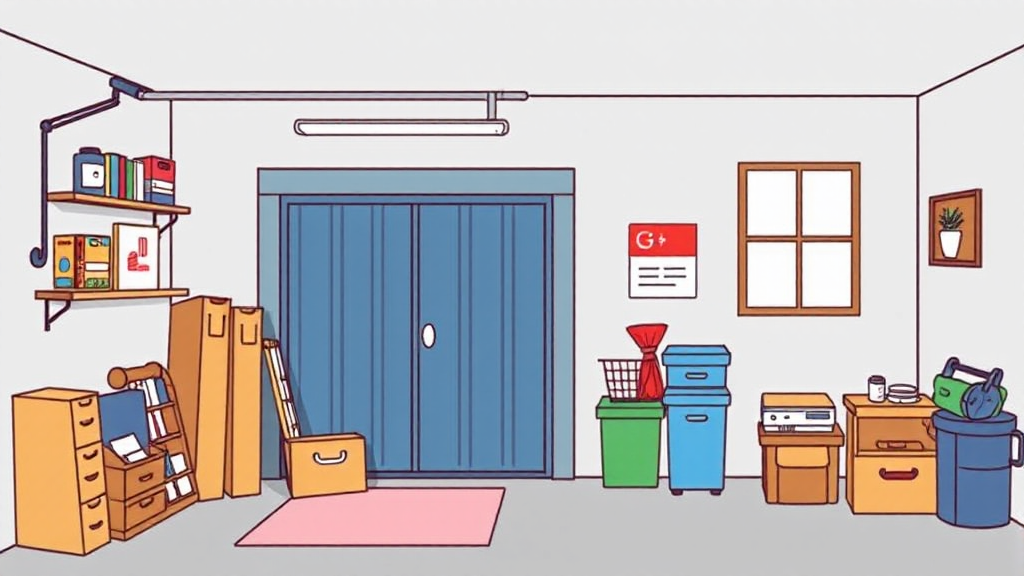
Plenty of Hamburg buildings have one: the basement room holding nothing but a few boxes, the garage with space to spare next to the bike, or the box room that's been half empty since the last move. At the same time, people who are moving, renovating or putting away seasonal things are looking for a spot nearby. Stororama brings the two together. Here's how to set up your first listing so renters can see at a glance what you're offering.
Before you start
- Complete your profile: Your profile needs to be complete before you can place your first listing.
- Make sure you're allowed to rent it out: You need to be entitled to let the space, for example as the owner, or with the owners' association's consent if it's a shared basement. If you rent your own home, it's best to check with your landlord first.
- Tidy up a little: An empty, dry space is easier to describe and to photograph.
Your listing in five steps
- Type and title: Choose whether it's a basement, a garage, a room or something else, and give your listing a clear title, such as "Dry basement room in Eimsbüttel, 6 m²". With the district in the title, renters can tell straight away whether the location works for them.
- Address and size: Enter the length, width and height in metres. Height isn't part of the price calculation, but it helps renters judge whether their wardrobe or surfboard will fit. Renters only see your full address once a booking has been made.
- Access and features: Say whether people can get to their things by appointment, at fixed hours or around the clock. Tick whatever applies, such as "no stairs", "car-friendly", "private entrance" or "smoke detector". Accurate details save you both misunderstandings later.
- Price: You choose whether to charge per square metre or for the whole space. The form shows a suggested price, but it isn't currently adjusted by region, so it's worth looking at comparable offers in your area. Stororama's 15% service fee is included in the rental price, and the form shows you right away how much of it you'll receive.
- Photo: A real photo of your space is the best thing you can add to a listing. If you don't have one to hand, you can now have a matching image created automatically, based on the type of space. It's AI-generated, so it doesn't show your actual space, and it's labelled "AI-generated image" on your listing. You can upload your own photo at any time.
What happens when a request comes in?
A renter picks your space, chooses a start date and sends you a booking request, and you're notified. If the request doesn't suit you, you can withdraw it free of charge up to one day before the rental starts. The renter can do the same. If neither of you withdraws, the request counts as accepted and the booking goes ahead. From then on, the renter pays monthly via a PayPal subscription until they've collected their things. We pay out your share via PayPal or bank transfer, so you don't need a PayPal account of your own.
Good to know: Stororama doesn't currently offer a deposit or insurance. If you need either, you arrange it directly with each other, for example through your own liability or home contents insurance. Under our terms, food, chemicals, highly flammable materials and living creatures, among other things, may not be stored.
A few tips for your listing
- Say what the space is good for: moving boxes, furniture, bikes, tyres or seasonal things.
- Describe the way in: ground floor or basement, lift, parking right outside. It matters when people load and unload.
- Keep your listing up to date: If you need the space yourself for a while, set the listing to "Inactive" and it won't be visible.
Every extra storage space in a district makes it easier for people in the neighbourhood to find something close by. Listing is free; a fee only applies when you rent your space out. Create your first listing now.